How to Watch Live Sport in NZ with IPTV
What sport you can watch, overseas kick-off times converted to NZ time, how to get a 4K picture and a checklist for the big match.
New Zealand is a sport-mad country. Weekends revolve around rugby, summer belongs to cricket, and plenty of Kiwis set alarms for football, boxing and motorsport on the other side of the world. The challenge has always been cost and convenience: sport usually sits in the most expensive tier of traditional pay TV, big fights cost extra on pay-per-view, and overseas events land in the middle of the night.
IPTV changes the equation. This guide explains what sport you can watch with IPTV in New Zealand, how to handle overseas kick-off times, how to get the best possible picture, and how to make sure nothing goes wrong when the big match starts.
What sport can you watch with IPTV?
A comprehensive IPTV service carries sport channels from New Zealand, Australia, the UK and around the world, which means coverage of almost everything Kiwis follow:
- Rugby union and rugby league: domestic competitions, Trans-Tasman and international tests, and overseas club rugby.
- Cricket: test, one-day and T20 cricket, including international series and franchise competitions.
- Football: the world’s major domestic leagues, continental club competitions and international tournaments.
- Netball and basketball: domestic leagues and international fixtures.
- Combat sports: boxing and MMA, including pay-per-view cards.
- Motorsport: open-wheel racing, touring cars, motorcycles and more.
- Tennis, golf, cycling and athletics: the big tournaments and tours throughout the year.
- American sports: football, basketball, baseball and ice hockey.
With IPTV NZ, premium sport channels and PPV events are included in every plan, rather than sold as add-ons.
Overseas sport in New Zealand time
New Zealand is one of the first places on Earth to see each new day, so most overseas sport happens while we’re asleep or at breakfast. New Zealand runs 12 hours ahead of UTC in winter (NZST) and 13 hours ahead in summer (NZDT, from late September to early April). Other countries change their clocks on different dates, so the gaps shift a little through the year.
| Event location | Typical local start | NZ time (NZ summer) | NZ time (NZ winter) |
|---|---|---|---|
| Australia (east coast) | 7:30 pm | 9:30 pm same day | 9:30 pm same day |
| India | 7:30 pm | 3:00 am next day | 2:00 am next day |
| UK | 3:00 pm | 4:00 am next day | 2:00 am next day |
| UK | 8:00 pm | 9:00 am next day | 7:00 am next day |
| Western Europe | 9:00 pm | 9:00 am next day | 7:00 am next day |
| US east coast | 8:00 pm | 2:00 pm next day | 12:00 pm next day |
Times are approximate and assume each country is on its usual clock for that time of year. During the few weeks when one country has changed its clocks and the other hasn’t, the difference can be an hour either way, so always double-check in your TV guide.
Making early-morning games easier
You don’t have to choose between sleep and sport:
- Use catch-up. On supported channels, catch-up lets you go back in the TV guide and watch a match that aired overnight from the start. Learn more in what is EPG and catch-up?
- Check the guide the night before. The on-screen guide shows exactly when coverage starts in New Zealand time, so you can plan ahead.
- Avoid spoilers. If you’re watching later, mute sport apps and group chats until you’ve seen the game.
- Set a reminder if your player supports it, so you don’t miss kick-off for games you want to watch live.
Getting the best picture for live sport
Fast-moving sport is the most demanding thing you can stream. These steps make a visible difference:
- Connect by Ethernet. A cable between your router and your TV or box beats Wi-Fi for stability, especially in 4K.
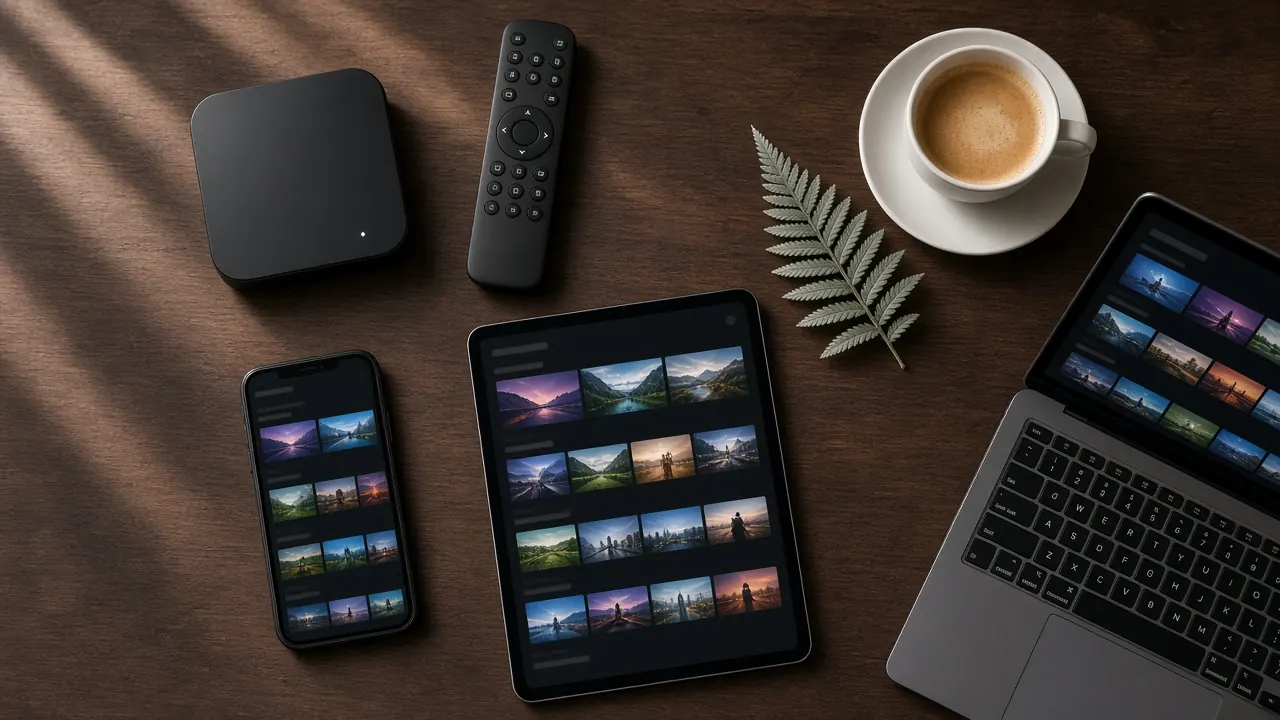
- Use a capable device. A modern Android TV box with 4 GB of RAM and H.265 (HEVC) support handles high-bitrate sport far better than an older stick. See our buyer’s guide to the best devices for IPTV in NZ.
- Check your speed. Allow around 15–25 Mbps for Full HD and 25 Mbps or more for 4K, per stream.
- Pick the right channel version. Where a 4K or FHD version of a channel exists, choose it; if your connection struggles, the HD version will be smoother.
- Adjust your TV. Use the TV’s sport or game picture mode, and experiment with motion smoothing — some people love it for sport, others find it unnatural.
- Sort the sound. A soundbar or home theatre makes crowd atmosphere far more immersive.
Big-match checklist
For a final, a decider or a fight night, run through this 30 minutes before the start:
- Restart your box or TV and your router so everything starts fresh.
- Update your player app if an update is waiting.
- Open the channel early and let it play, so you know it’s working.
- Pause big downloads and ask the household to hold off on other streaming.
- Have a backup ready: a second device, such as a phone or tablet, set up with your login.
- Save your provider’s support contact, so you can get help quickly if needed.
If you do hit trouble, our guide to IPTV buffering causes and fixes covers the most likely causes.
How much data does live sport use?
Most New Zealand fibre plans are unlimited, but if you’re on a capped plan, rural broadband or mobile data, it’s worth knowing roughly what a match uses. As a guide, an HD stream uses around 1.5 to 3 GB an hour, Full HD around 3 to 6 GB an hour, and 4K can use 10 GB an hour or more. A two-hour rugby test in Full HD might use 6 to 12 GB, and a full day of test cricket considerably more. If data is tight, choose the HD version of the channel and save 4K for the moments that really matter.
Watching more than one game at once
On a busy weekend, there’s often more than one game you want to see. A few options:
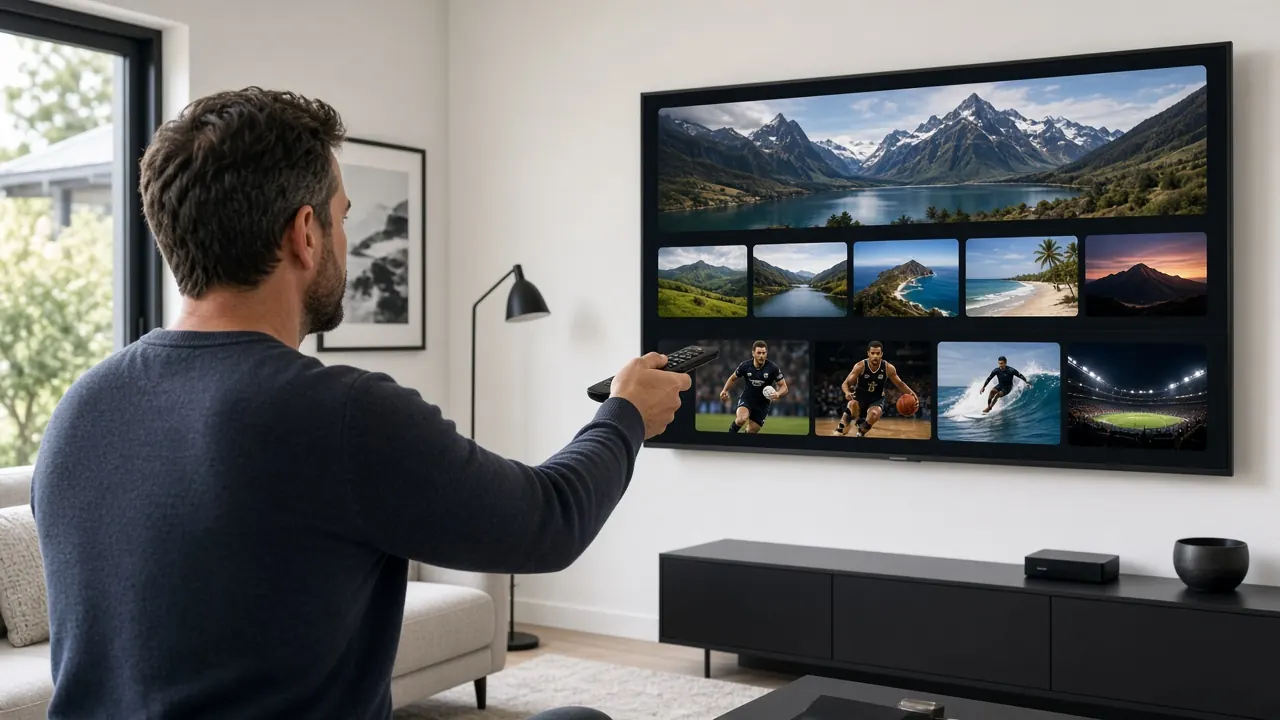
- Switch between channels using the guide’s now-and-next view to keep an eye on scores.
- Use catch-up for the second game and watch it straight after the first.
- Use a second screen, such as a tablet beside the TV, if your plan’s connections allow two streams at once. Check how many simultaneous connections your plan includes before relying on this.
How PPV events work
Pay-per-view (PPV) is how many of the biggest boxing and MMA events are sold: instead of being part of a channel package, each event is priced separately, and the cost can be significant. Some IPTV services, including IPTV NZ, include PPV events in the subscription, so there’s no separate charge on fight night. PPV events usually appear in the channel guide as dedicated event channels shortly before coverage begins.
Watching with friends, and watching at venues
Getting mates round for the game? A personal IPTV subscription is designed for home viewing, so that’s exactly what it’s for. Showing sport in a bar, club, gym, shop or other business is different: commercial screenings need separate commercial licensing, and personal subscriptions don’t cover them. If you run a venue, speak to the rights holders about commercial options.
Sport fan’s summary
- IPTV gives you New Zealand, Australian, UK and international sport channels in one place.
- Most overseas sport lands overnight in New Zealand, so catch-up is your best friend.
- Ethernet, a capable device and a 4K channel version give the best picture.
- Test your setup before big events, and keep a backup device handy.
Watch every game with IPTV NZ
IPTV NZ includes premium sport channels and PPV events in every plan, streamed in 4K, FHD and HD on anti-freeze servers. See IPTV NZ plans and prices, follow our IPTV setup guide, or explore everything included on the IPTV NZ homepage.