Best Devices for IPTV in NZ: Buyer’s Guide
Streaming stick, Android TV box, Smart TV, MAG box, phone or laptop? How each device performs for IPTV, what it costs in NZ and which suits you.
One of the best things about IPTV is that it doesn’t tie you to a particular piece of hardware. The same subscription can run on a Smart TV, a streaming stick, an Android TV box, a MAG set-top box, a phone, a tablet or a laptop. But those devices aren’t equal. Some switch channels in a blink and play 4K without a stutter; others struggle with a big TV guide.
This buyer’s guide compares every type of device you can use for IPTV in New Zealand: what each costs, how good the picture is, how easy it is to live with, and who it suits. At the end you’ll find our recommendations for different budgets and households.
Quick comparison
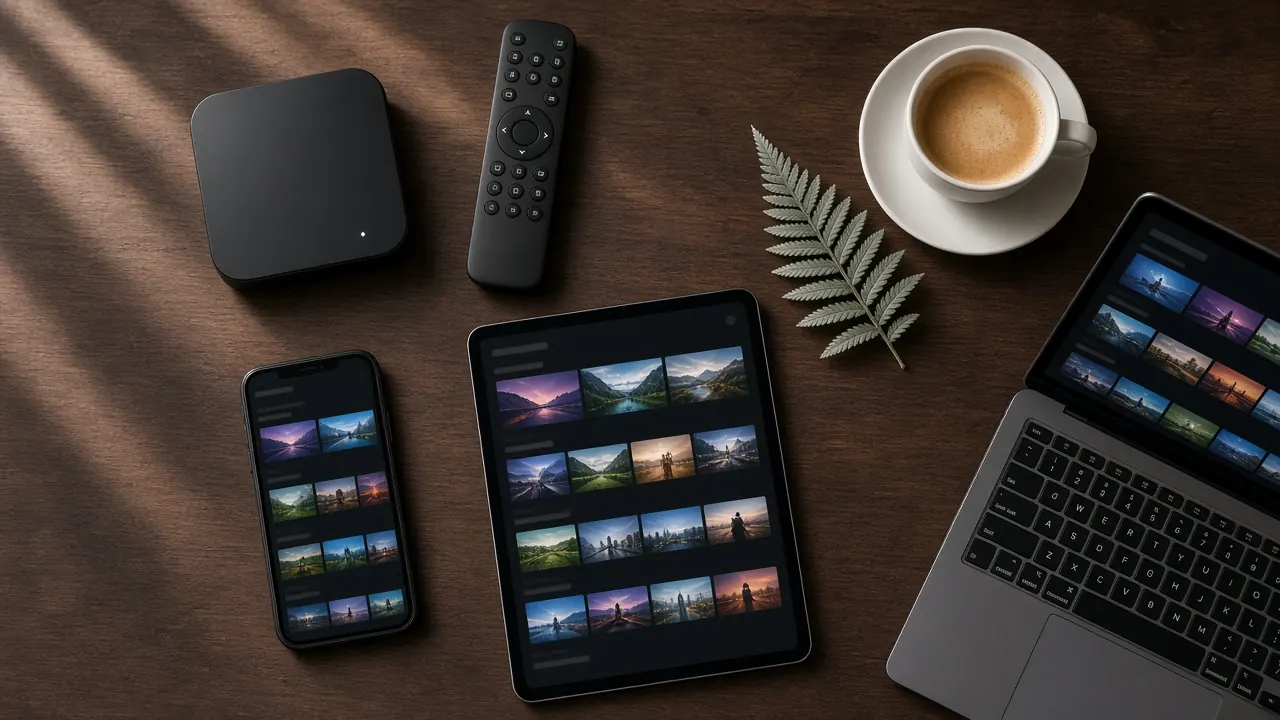
| Device | Rough NZ price | Picture | Ease of use | Best for |
|---|---|---|---|---|
| Streaming stick | NZ$60–150 | HD to 4K | Easy | Budget, bedrooms, travel |
| Android TV box | NZ$80–350 | Full HD to 4K HDR | Easy | Main TV, best all-rounder |
| Smart TV app | Free (if your TV supports it) | Depends on the TV | Easy to moderate | Newer TVs, no extra boxes |
| MAG set-top box | NZ$100–250 | Full HD to 4K | Very easy | Simple remote-and-go TV |
| Phone or tablet | Device you own | Great on a small screen | Very easy | Personal viewing, on the go |
| Laptop or desktop | Device you own | Good | Moderate | Second screen, study, office |
Prices are typical ranges at New Zealand retailers and vary with specifications and sales.
Streaming sticks
A streaming stick is a small Android-based device that plugs directly into your TV’s HDMI port and draws power from a USB port or a small adapter. Setup takes minutes, and the stick disappears behind the TV.
Pros: affordable, compact, easy to move between TVs and ideal for taking on holiday. Many current sticks support 4K and HDR.
Cons: less memory and processing power than a full box, which can mean slower channel changes and sluggish TV guides on cheaper models. Most have no Ethernet port, so they rely on Wi-Fi — and Wi-Fi behind a TV is often weaker than you’d expect. Some sticks have restricted app stores, so check that a suitable IPTV player is available.
Verdict: great value for second TVs, bedrooms and travel. Choose a model with at least 2 GB of RAM.
Android TV boxes
An Android TV box is a slightly larger device that sits next to your TV. It runs the same kind of software as a stick but usually with more memory, more storage and more connections, including Ethernet.
Pros: fast, reliable and flexible. A wired connection gives the steadiest picture for live sport and 4K. A full app store means you can choose from the best IPTV players. Better cooling keeps performance consistent during long viewing sessions.
Cons: costs a little more than a stick and adds another device and remote. The market is full of no-name boxes with outdated software, so buy a known model from a reputable retailer.
Verdict: the best all-rounder for your main TV. Look for 4 GB of RAM, Ethernet, Wi-Fi 6 and certified Android TV software with regular updates.
Smart TVs
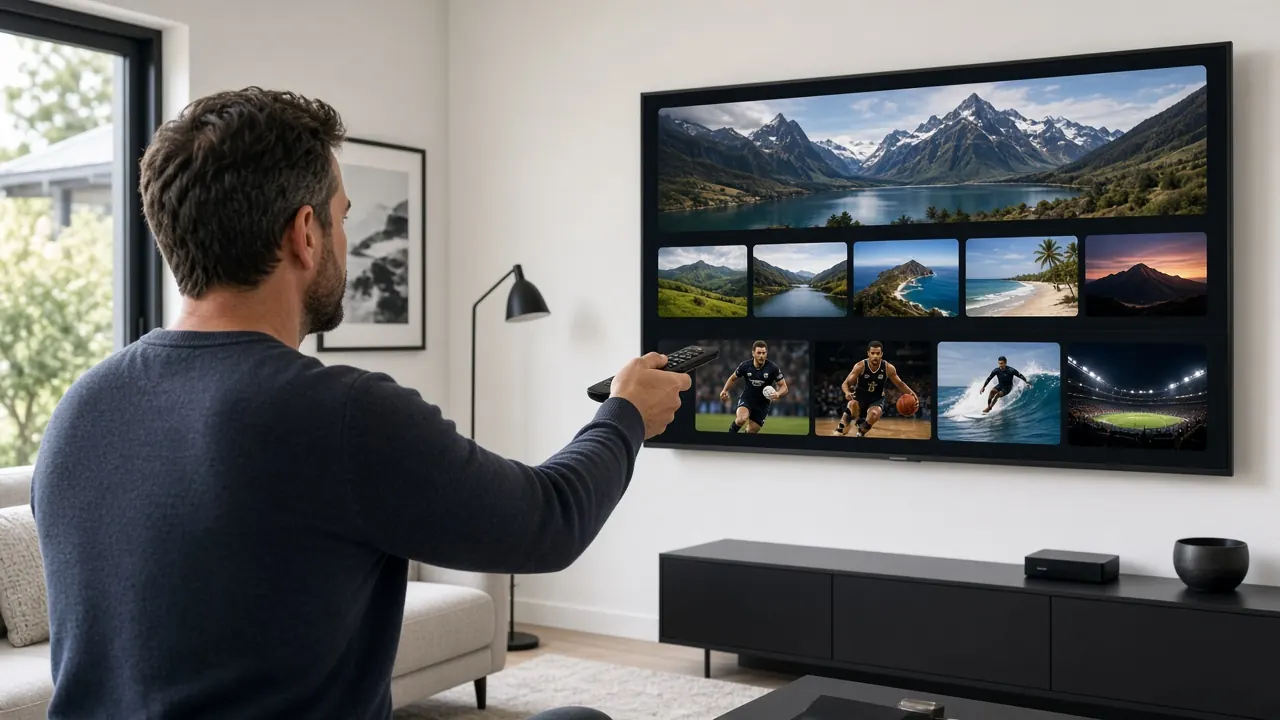
If your TV’s built-in app store offers a good IPTV player, you can skip extra hardware entirely. Many recent Smart TVs can do this.
Pros: no extra cost, one remote, nothing to plug in.
Cons: quality varies enormously between TV makers and models. App stores on some TVs are limited, apps may be slower than on a dedicated box, and TV manufacturers stop updating older models after a few years. When that happens, apps can stop working.
Verdict: try it first if your TV is less than three or four years old. If it feels slow, add a box or stick.
MAG set-top boxes
MAG boxes are purpose-built IPTV receivers. They don’t use an app store; instead, you enter a portal address once and the box shows channels and a TV guide, much like a cable box. Setup is linked to the box’s MAC address.
Pros: very simple to use, with a familiar TV-style interface and remote. Reliable, with fewer things to go wrong. Perfect for older family members.
Cons: less flexible than Android boxes, as you can’t install other apps. Fewer models are sold in New Zealand, so you may need to look harder for one.
Verdict: the easiest option for anyone who wants IPTV to feel like traditional TV.
Phones and tablets
Any modern phone or tablet can run an IPTV player app.
Pros: you already own one, and it’s perfect for watching in the kitchen, in bed or while travelling. Small screens make HD look sharp.
Cons: not ideal for family viewing, and long sessions on mobile data can use a lot of data — an HD stream can use roughly 1.5 to 3 GB an hour.
Verdict: an excellent extra screen, rather than your main way to watch.
Laptops and desktops
Desktop IPTV players and some browser-based players let you watch on a computer.
Pros: handy as a second screen while you work, or for students in a flat.
Cons: setup can be fiddlier than on a TV device, and computers aren’t designed for lean-back viewing with a remote.
Verdict: useful in specific situations, but most people prefer a TV device.
The specs that actually matter
Marketing labels can be confusing. These are the specifications that make a real difference for IPTV:
- RAM: 2 GB minimum, 4 GB recommended. More memory means faster channel switching and smoother guides.
- Storage: 16 GB or more, so apps and guide data have room to breathe.
- Networking: Ethernet for the most stable connection; Wi-Fi 5 or Wi-Fi 6 if wireless.
- Video decoding: hardware support for H.264 and H.265 (HEVC). Support for newer formats such as AV1 is a bonus that helps future-proof your purchase.
- Output: 4K and HDR (HDR10 at minimum) if you have a 4K TV.
- Software updates: a device that still receives security updates is safer and keeps apps working longer.
- Remote: number buttons and a guide button make live TV much easier.
Buying in New Zealand: what to watch for
When you buy from a New Zealand retailer, the Consumer Guarantees Act protects you: products must be of acceptable quality, fit for purpose and match their description, and you’re entitled to a remedy if they’re not. You’ll also get the correct New Zealand power plug and local warranty support.
Be cautious with very cheap imported boxes and anything advertised as “fully loaded”. These often run old, unsupported software, may carry security risks and leave you with nobody to call when something stops working. A mainstream device and a subscription with proper support is the safer path.
Our recommendations
- Tightest budget: a streaming stick with 2 GB of RAM or more.
- Best all-rounder for the main TV: a mid-range Android TV box with 4 GB of RAM, Ethernet and 4K HDR.
- Easiest for older relatives: a MAG box, or a Smart TV app with a short favourites list.
- Best for sport fans: an Android TV box connected by Ethernet to a 4K TV.
- On the go: your phone or tablet, plus a streaming stick in your bag for hotel TVs.
Next steps
Already have a device? It almost certainly works with IPTV NZ. Our IPTV box NZ page explains how to pair a box with your subscription, and our guide to setting up IPTV covers every device step by step. When you’re ready, compare IPTV NZ plans and prices or see everything included on the IPTV NZ homepage.